
I'm John Doe
// Mask your identity before AI sees it.
# The Leak
/**
You paste things into an AI chatbot — emails, contracts, messages. Your name, phone number, account details, API keys. It goes to the server before you think about it.
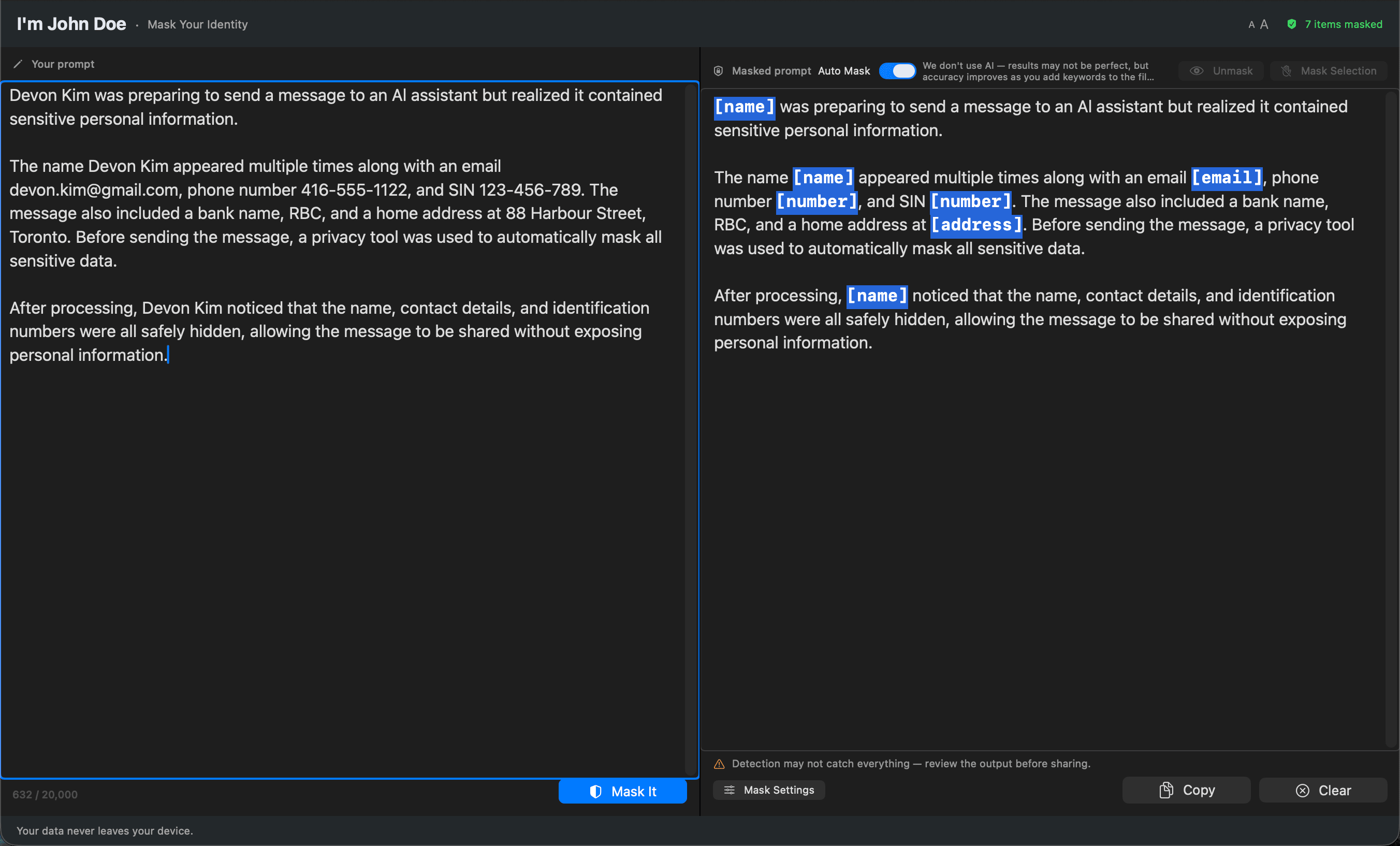
I'm John Doe catches that data and swaps it with typed placeholders like [name], [email], [address], [number]. Not stars. Not random strings. Typed labels — so the AI still understands the structure of your text and gives you a useful answer back.
Nothing leaves your Mac. No server, no account, no network — it even works offline. The app runs entirely on your device.
*/
# First Run
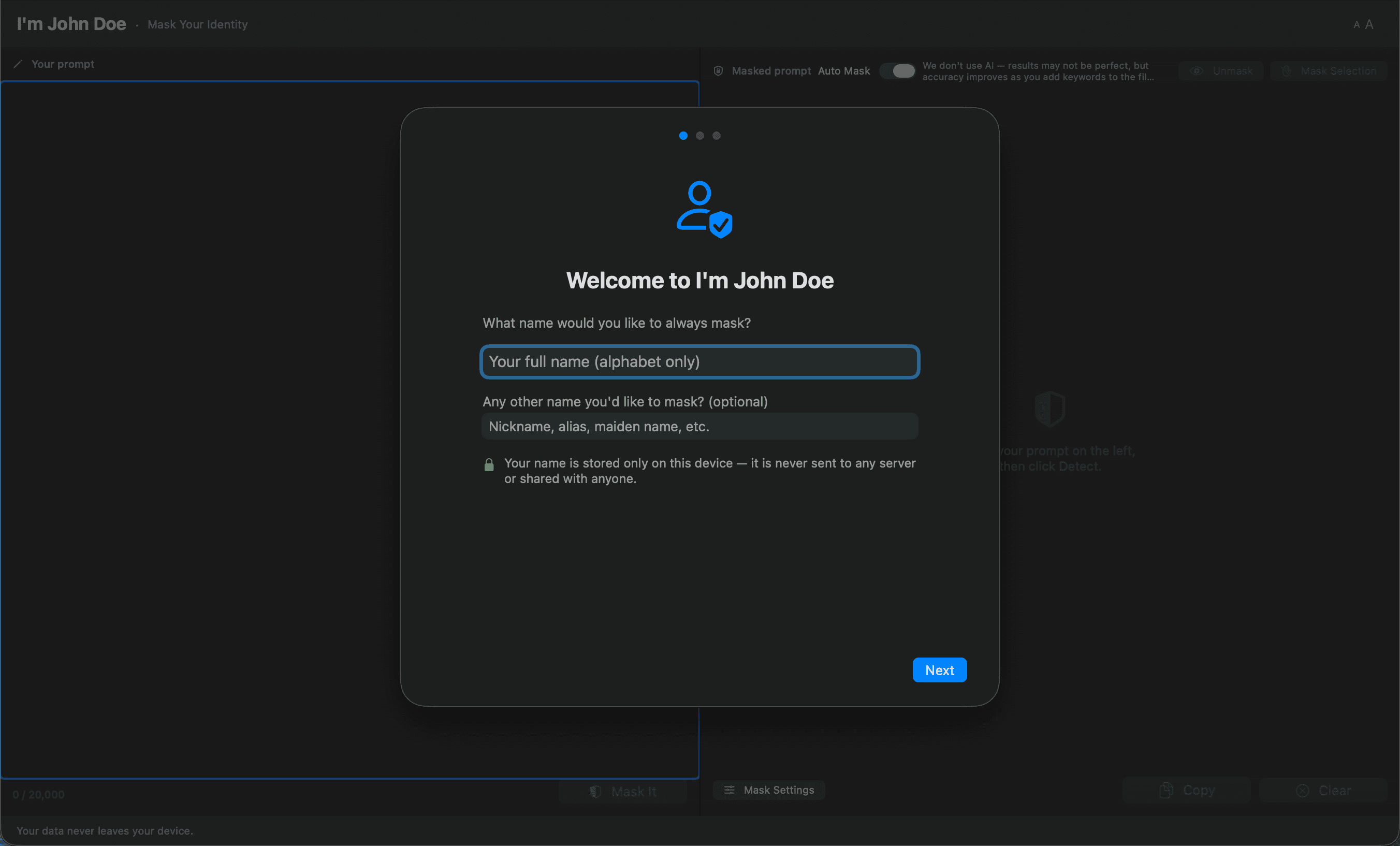
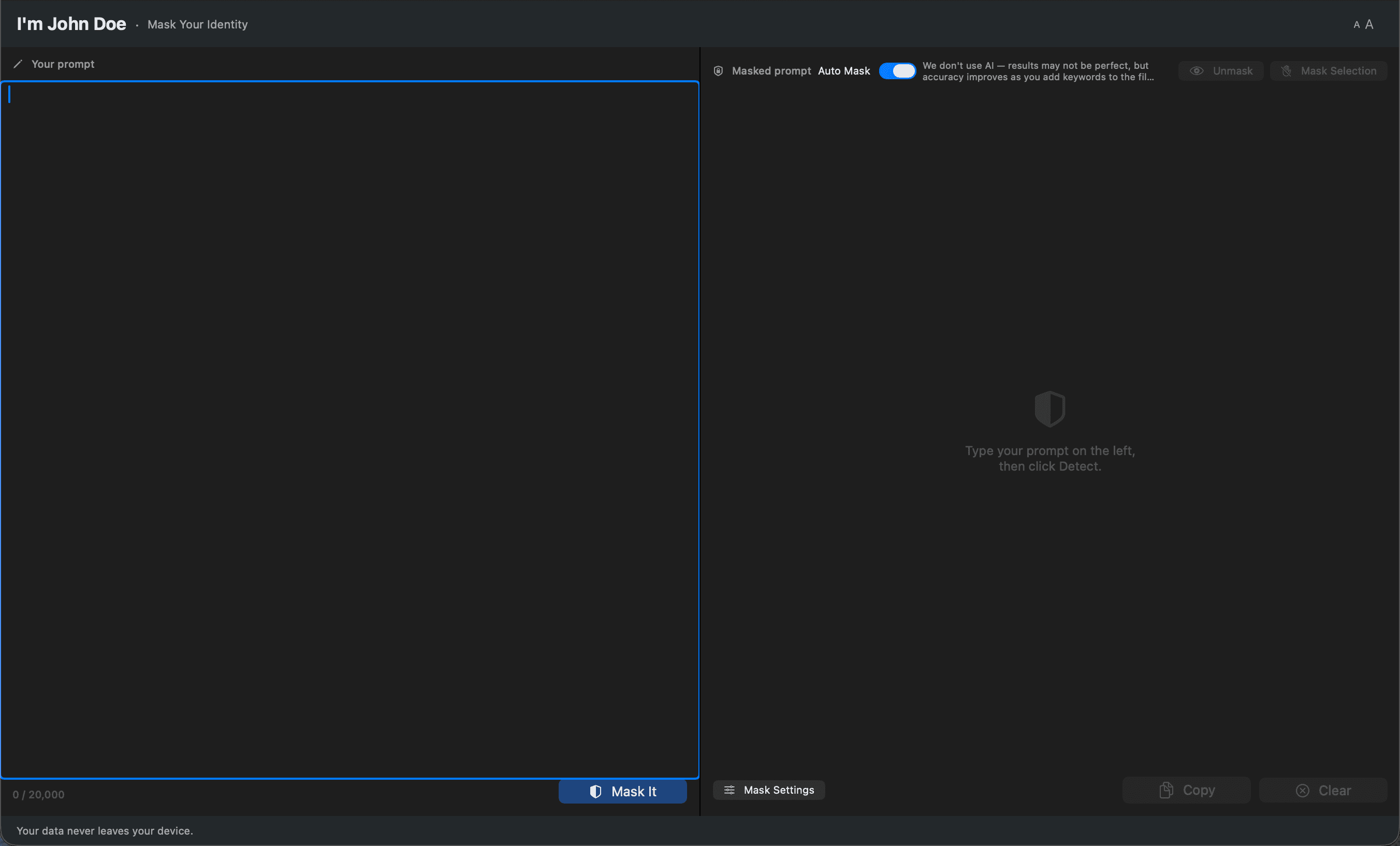
Pick a few seed words. I'm John Doe learns their shape — capitals, lowercase, plurals — so "Acme", "ACME", and "acmes" all get caught in the same pass.
# Before and After
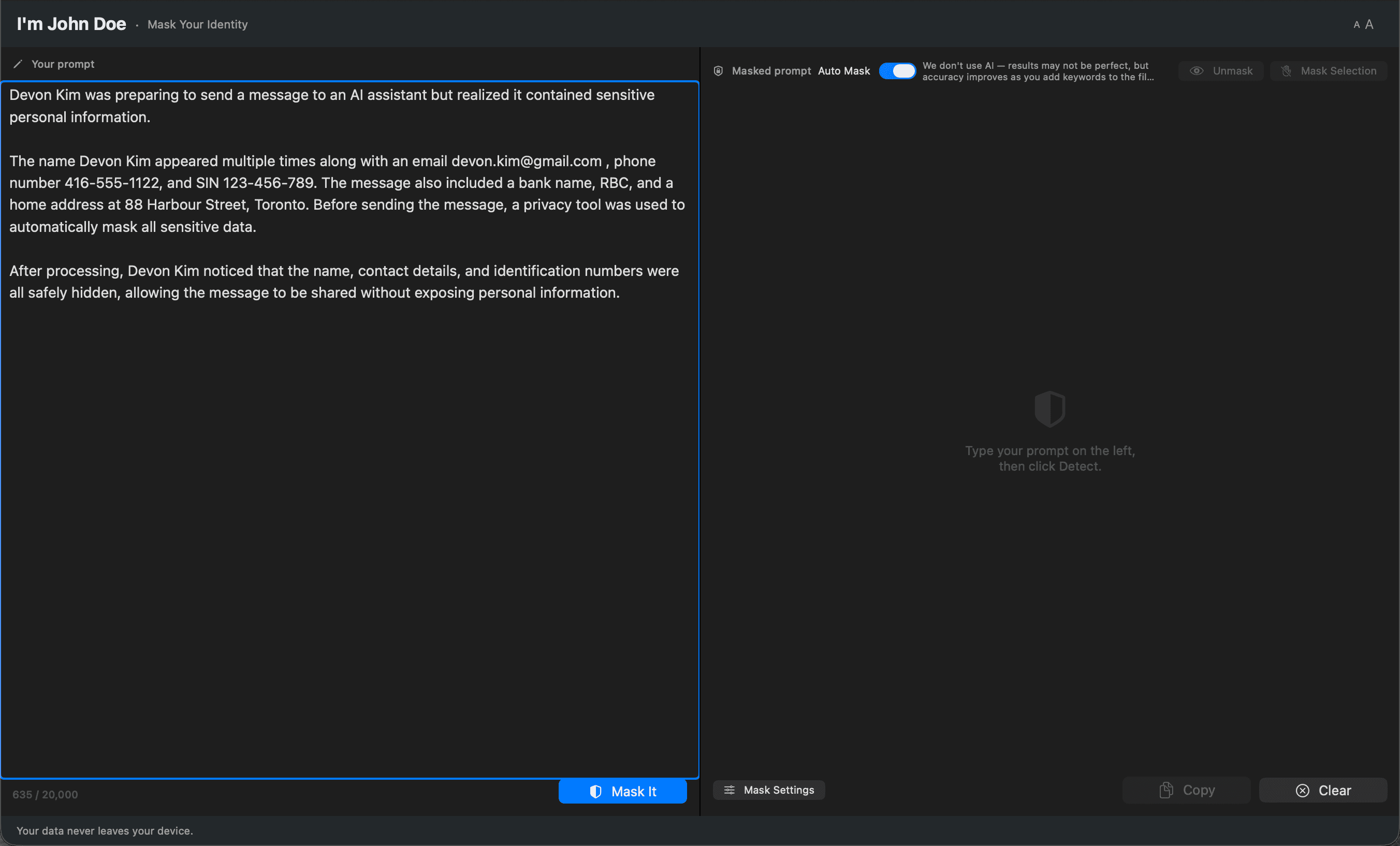
Names become [name], emails become [email]. The shape of the message stays intact, so ChatGPT or Claude still understands what you're asking — just without knowing who.
# The Sweep
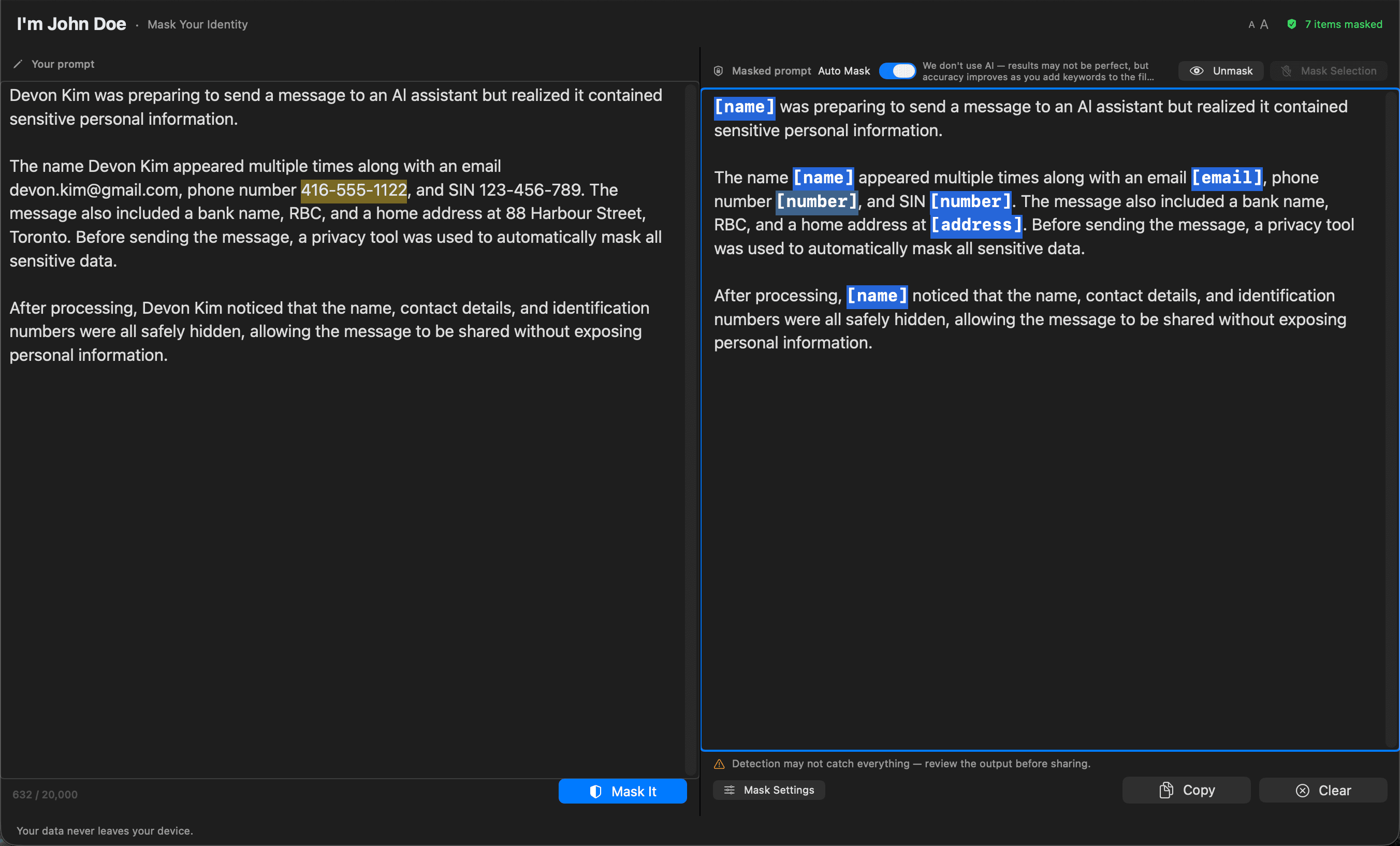
Paste a whole email thread, hit mask, watch every match light up at once. The highlights stay up for a beat so you can see what got caught before you decide what to do with it.
# Bulk Mask
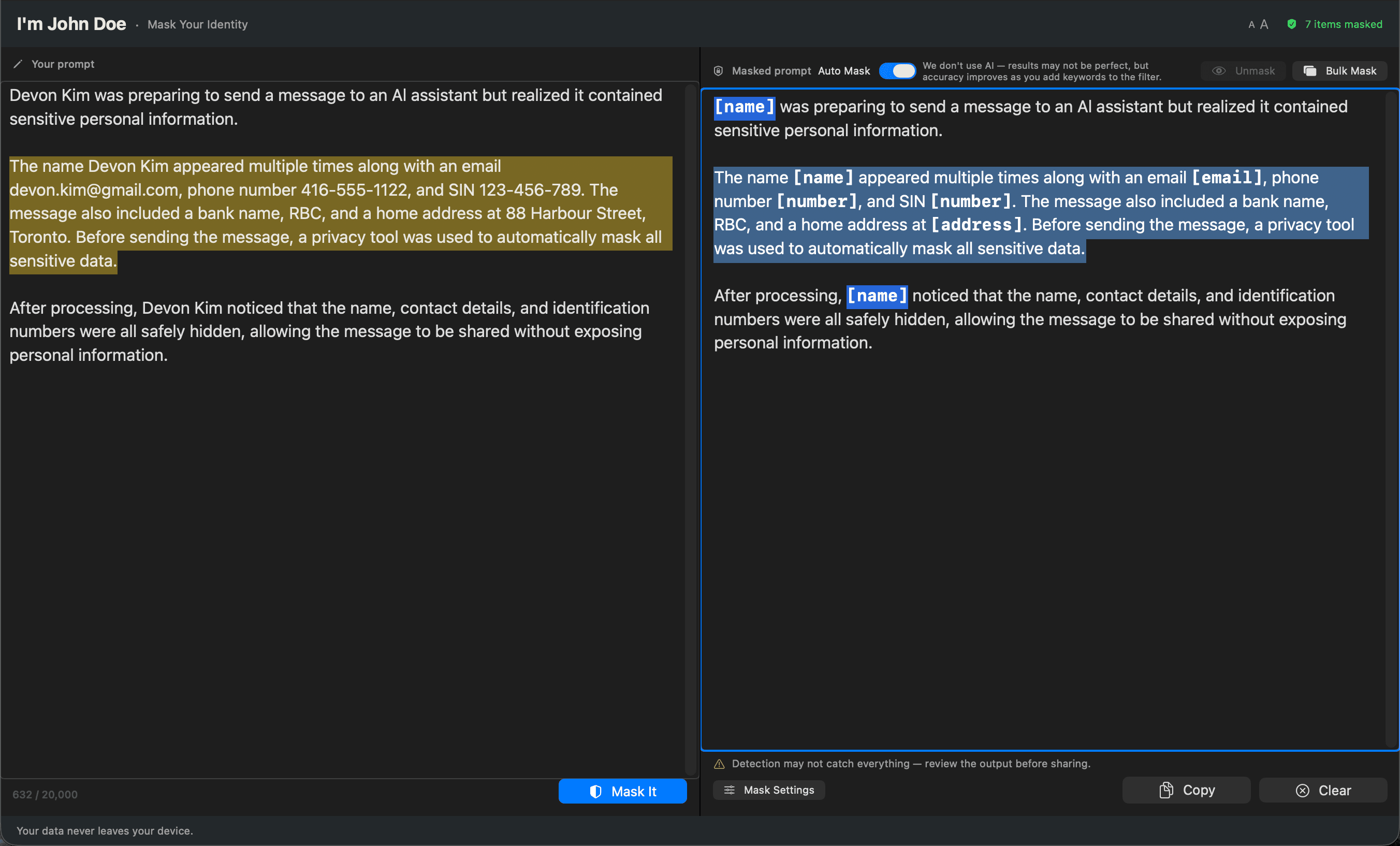
Drag to select a range and pick a placeholder — [masked], [name], [email], or something you type yourself. The whole selection collapses into that one label in a single pass.
![Mask Selection popup with placeholder buttons and a custom placeholder input, [masked] selected by default](/_next/image?url=%2Fassets%2Fim-john-doe%2Fbulk-masked-2.png&w=3840&q=75)
![Selected paragraph replaced with a single [masked] label after confirming the choice](/_next/image?url=%2Fassets%2Fim-john-doe%2Fbulk-masked-3.png&w=3840&q=75)
# Detection Rules
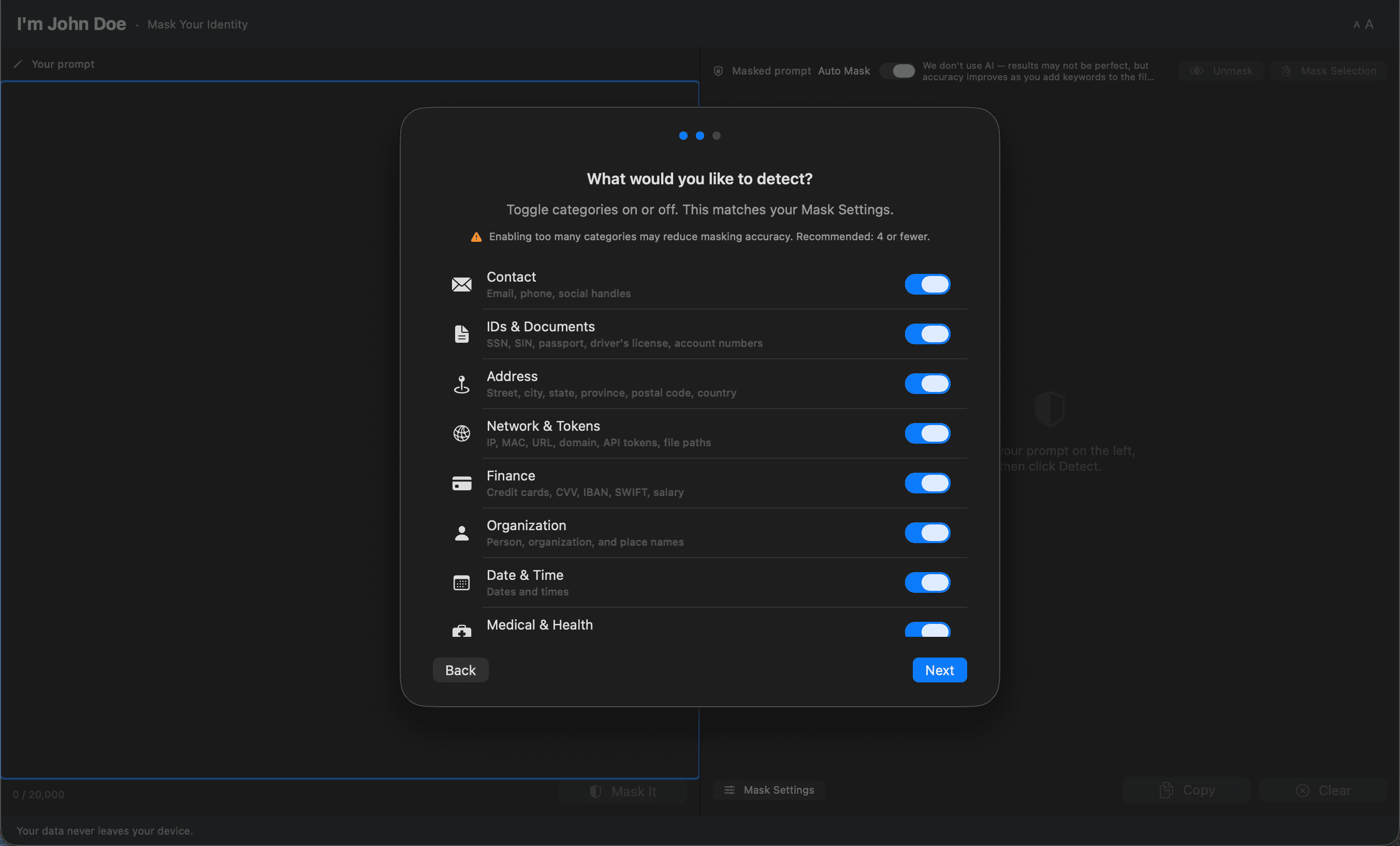
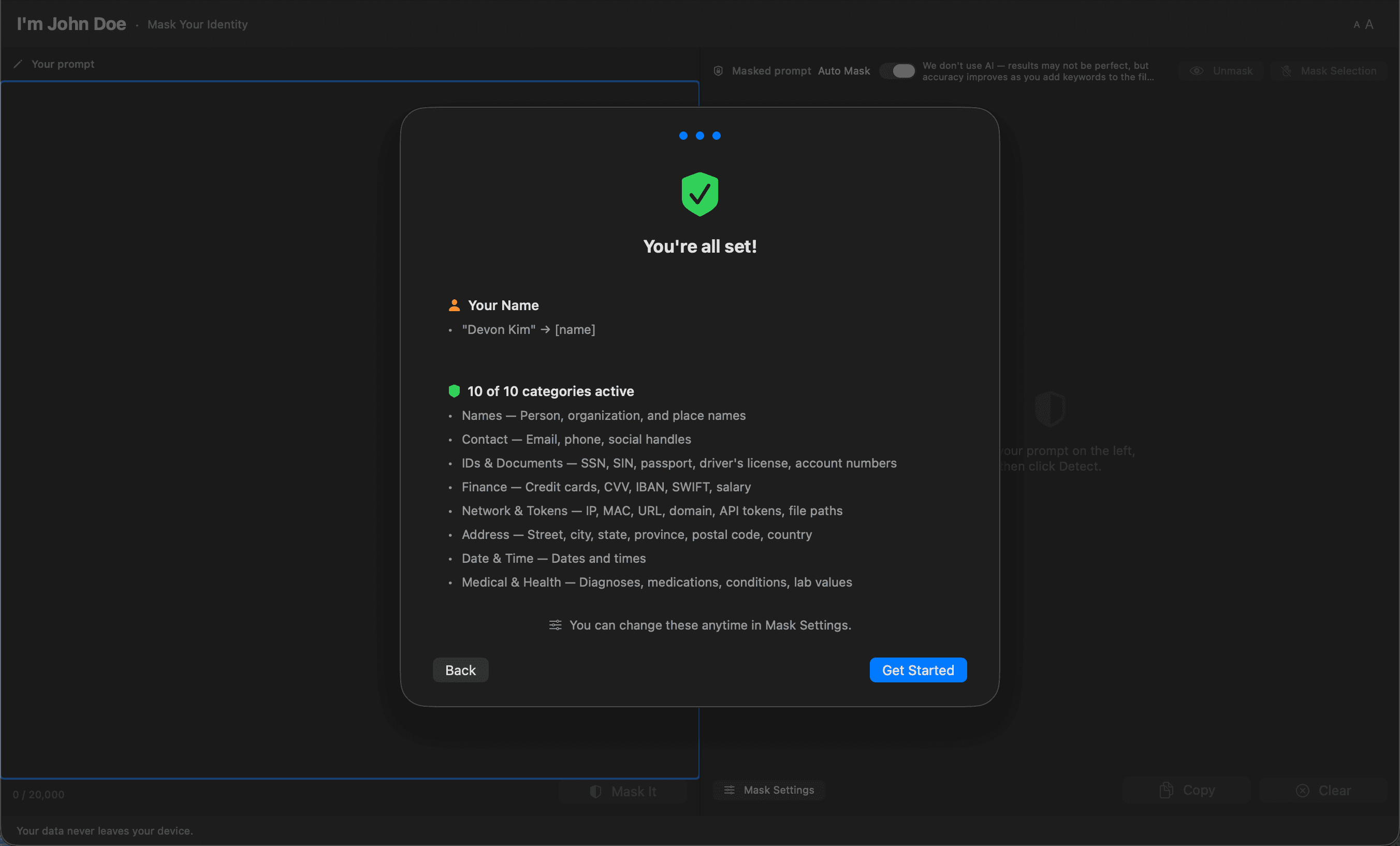
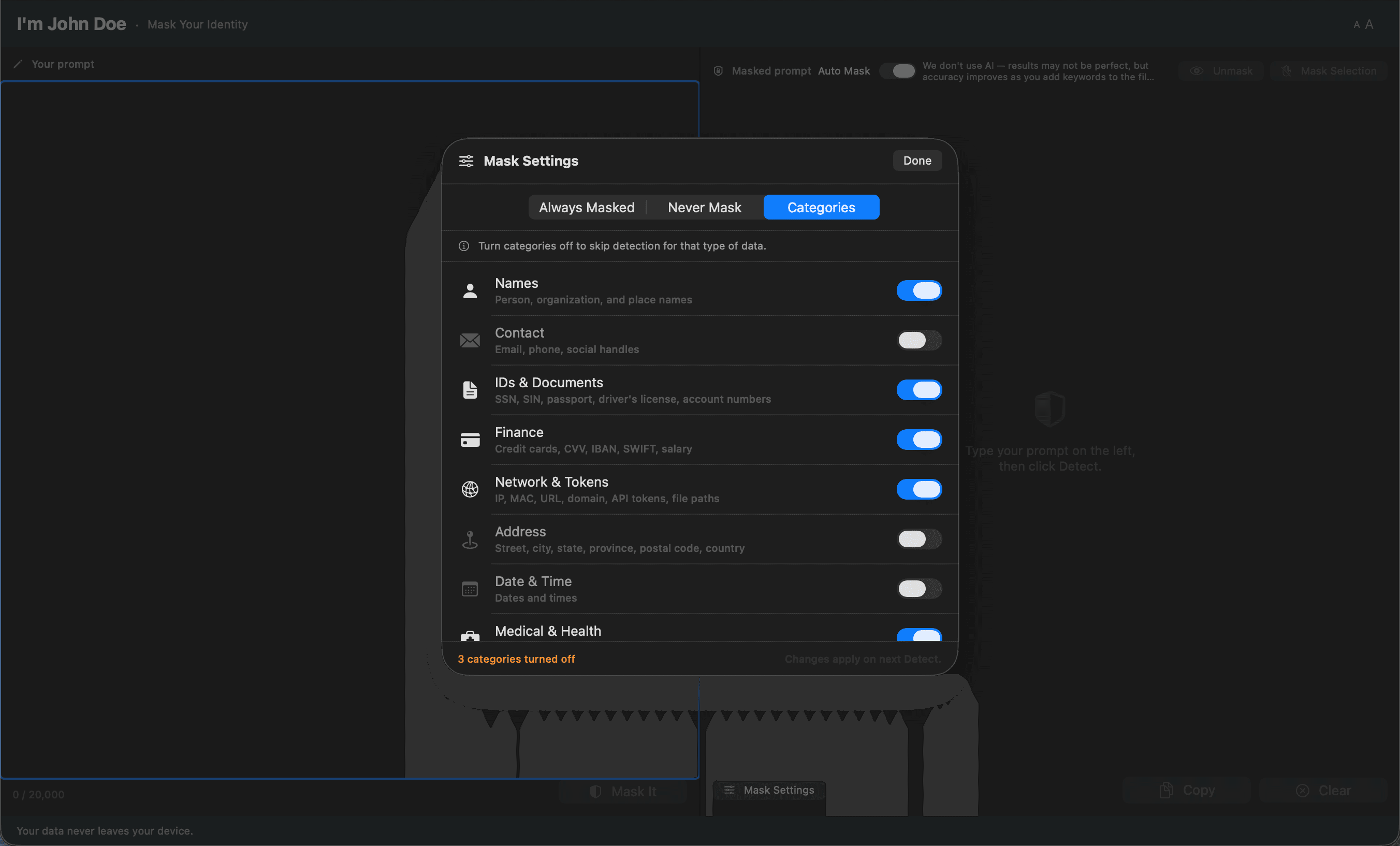
Ten categories, each labeled with what it actually catches — Person (names, orgs), Contact (email, phone), Address (city, postal code). Toggle off what you don't need without guessing what's behind the switch.
# Always Mask
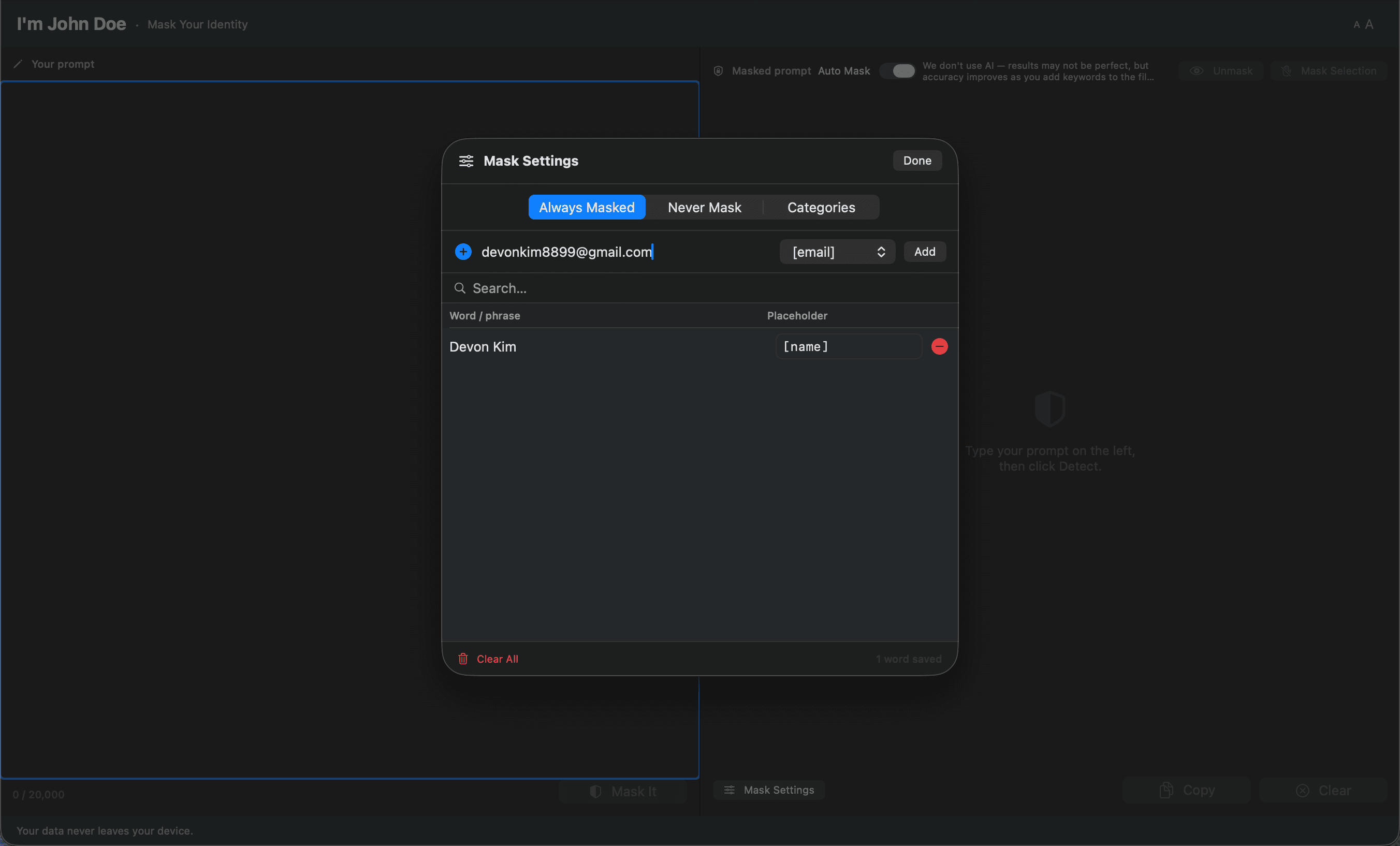
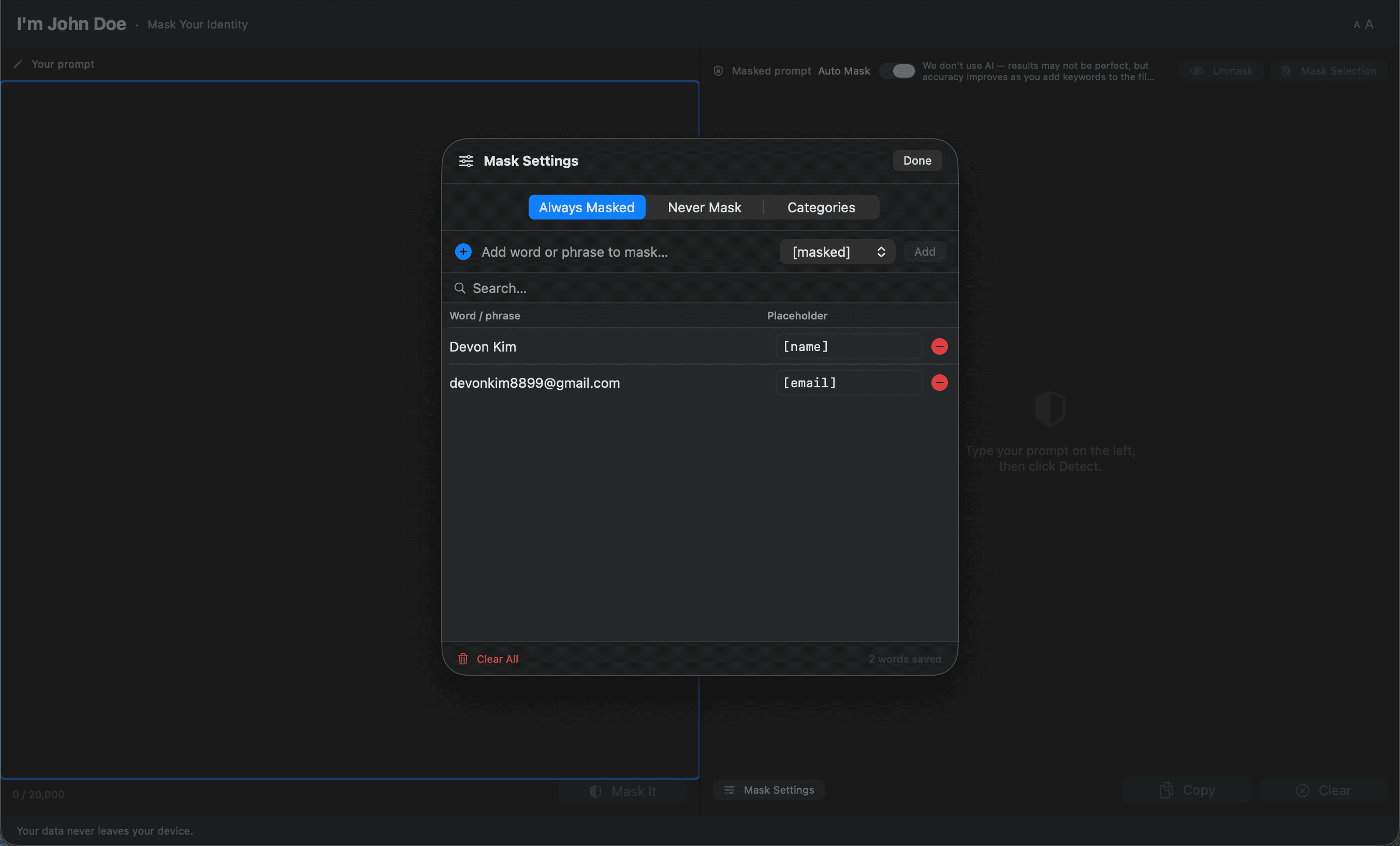
Add the things detection misses — a codename, an internal project, a client's nickname. Works alongside Never Mask to cover the gaps automatic rules leave behind.
# Never Mask
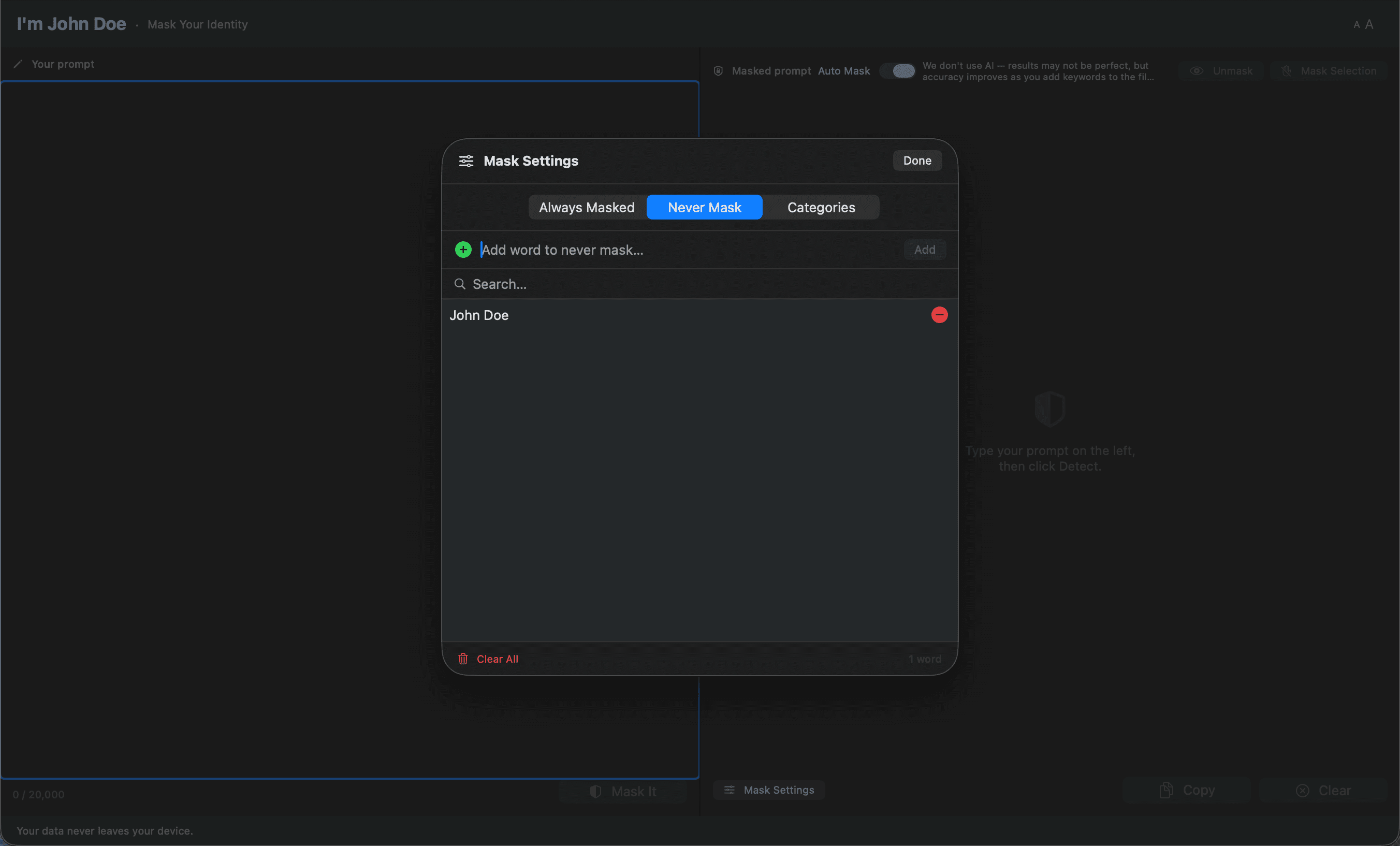
Keep the words that should pass through — your own product name, public figures, technical terms. If a word ends up on both lists, the app catches it before it becomes a problem.
# The Conflict
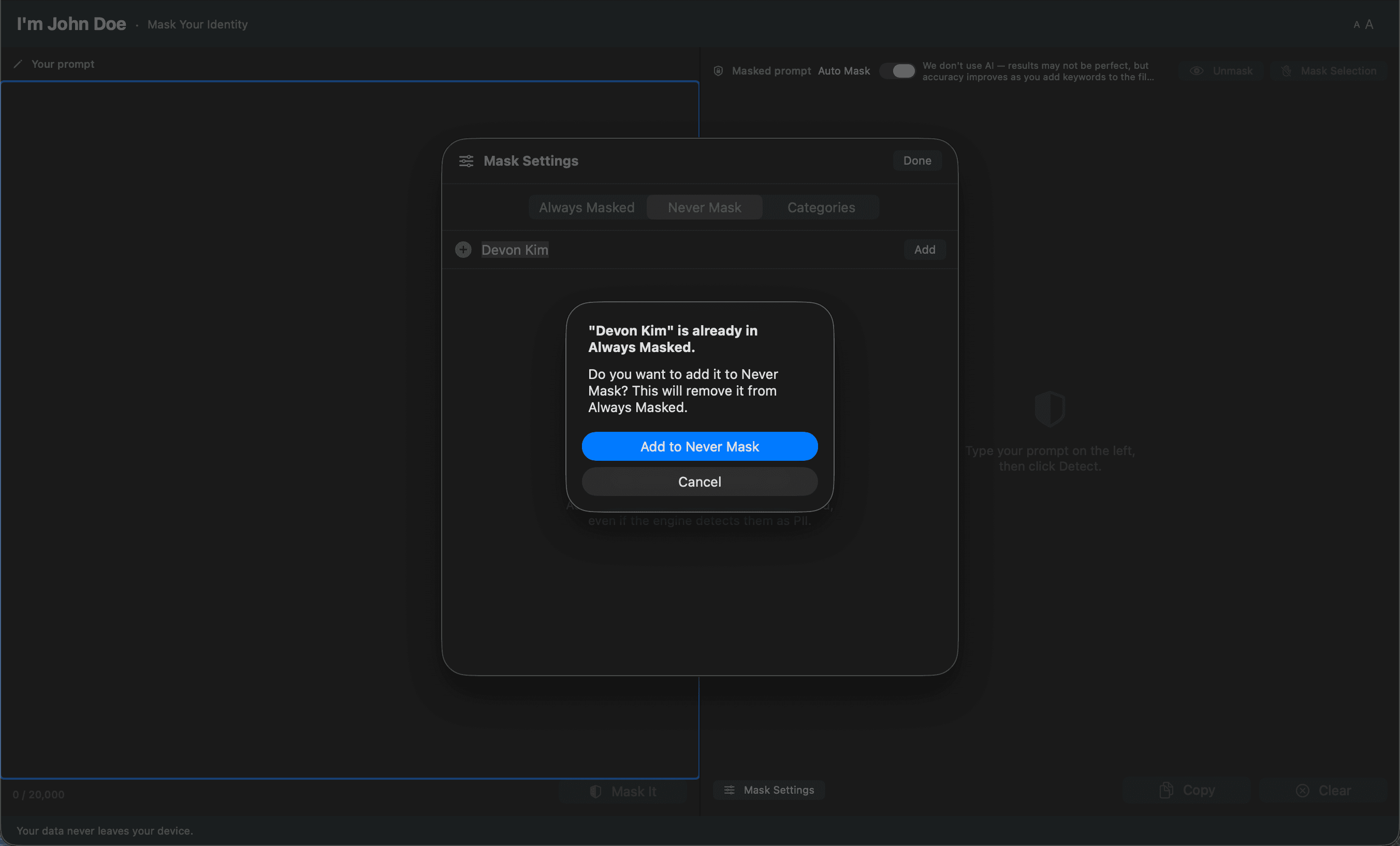
Add a word to Always that's already on Never, and the app stops to ask. Whichever list had it first keeps it, unless you move it — so the two lists never quietly contradict each other.
# Read Comfort
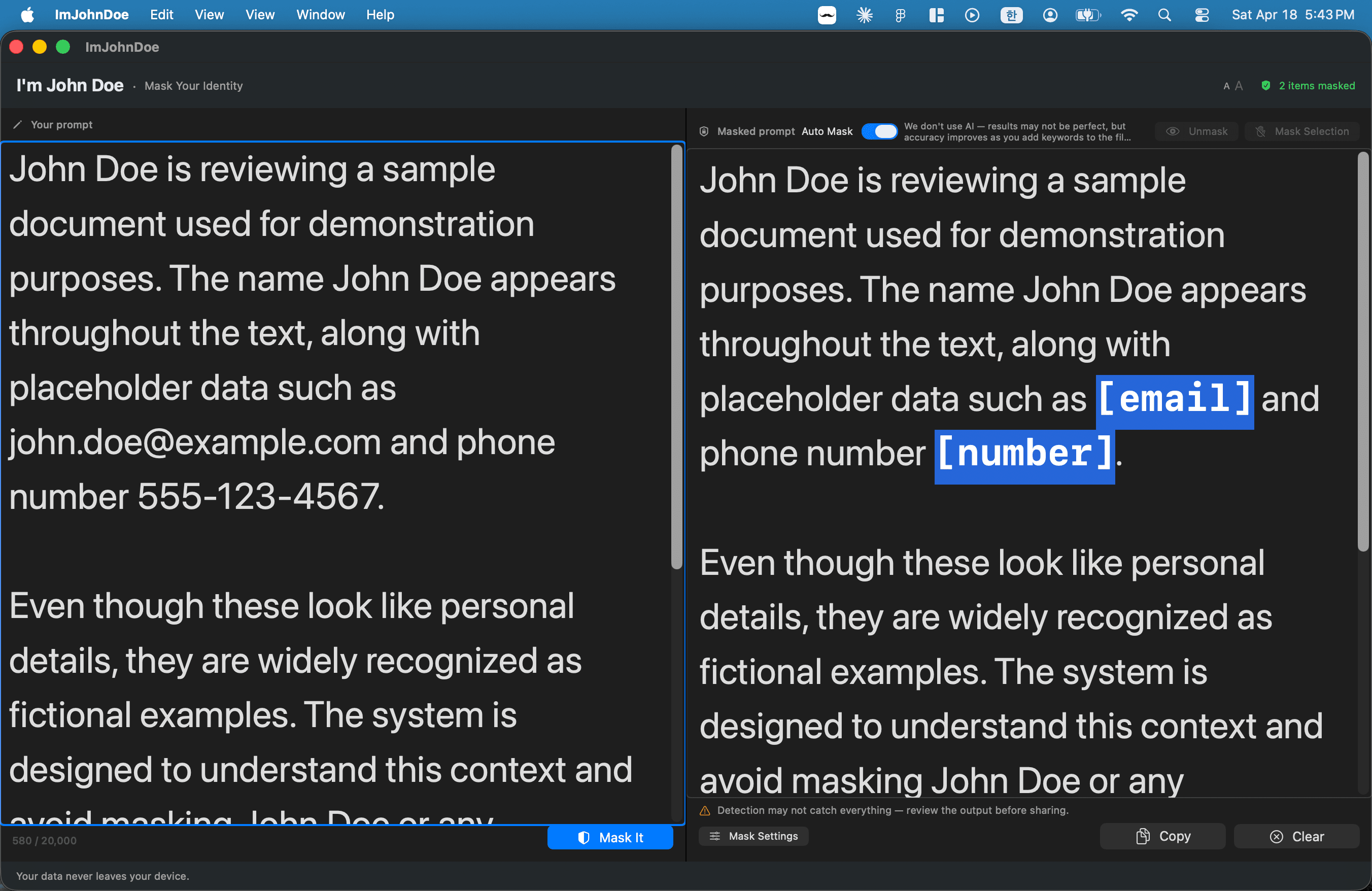
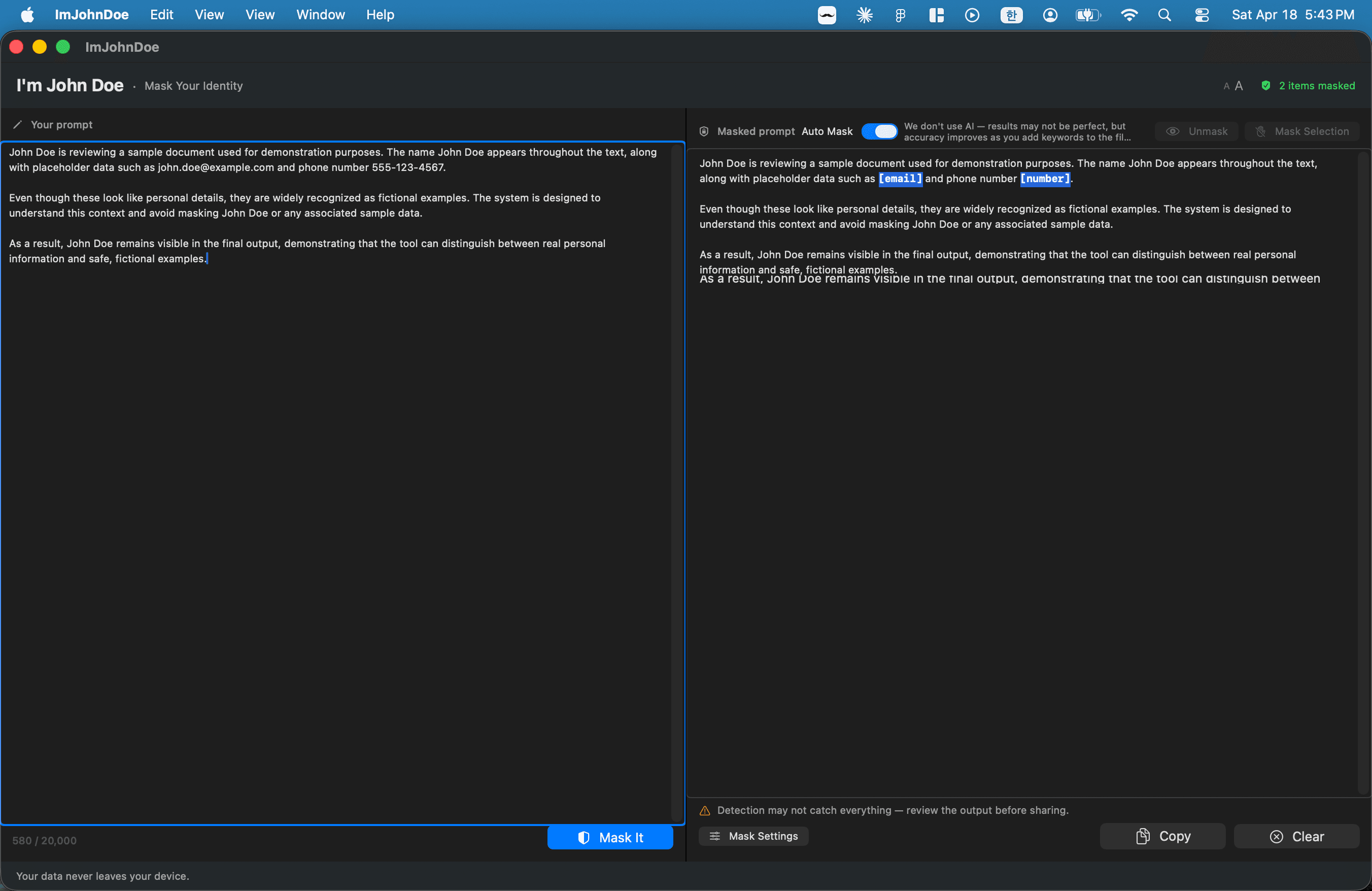
Bump the text size up or down with limits on both ends, so the layout doesn't break. Whatever you pick sticks on the next launch — long drafts, low-vision users, same setting every session.
"Your data never leaves your device."